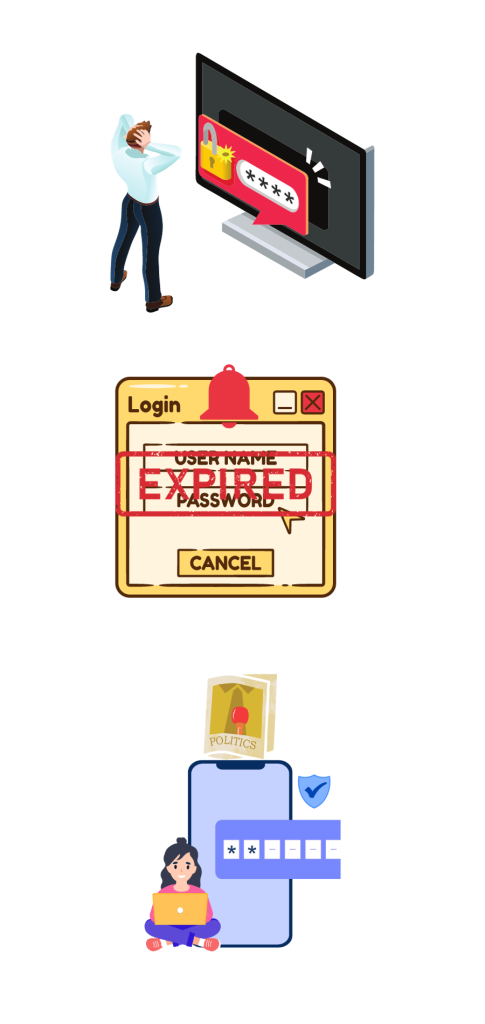

What is Self-Service Secure Key Reset (SSKR)?

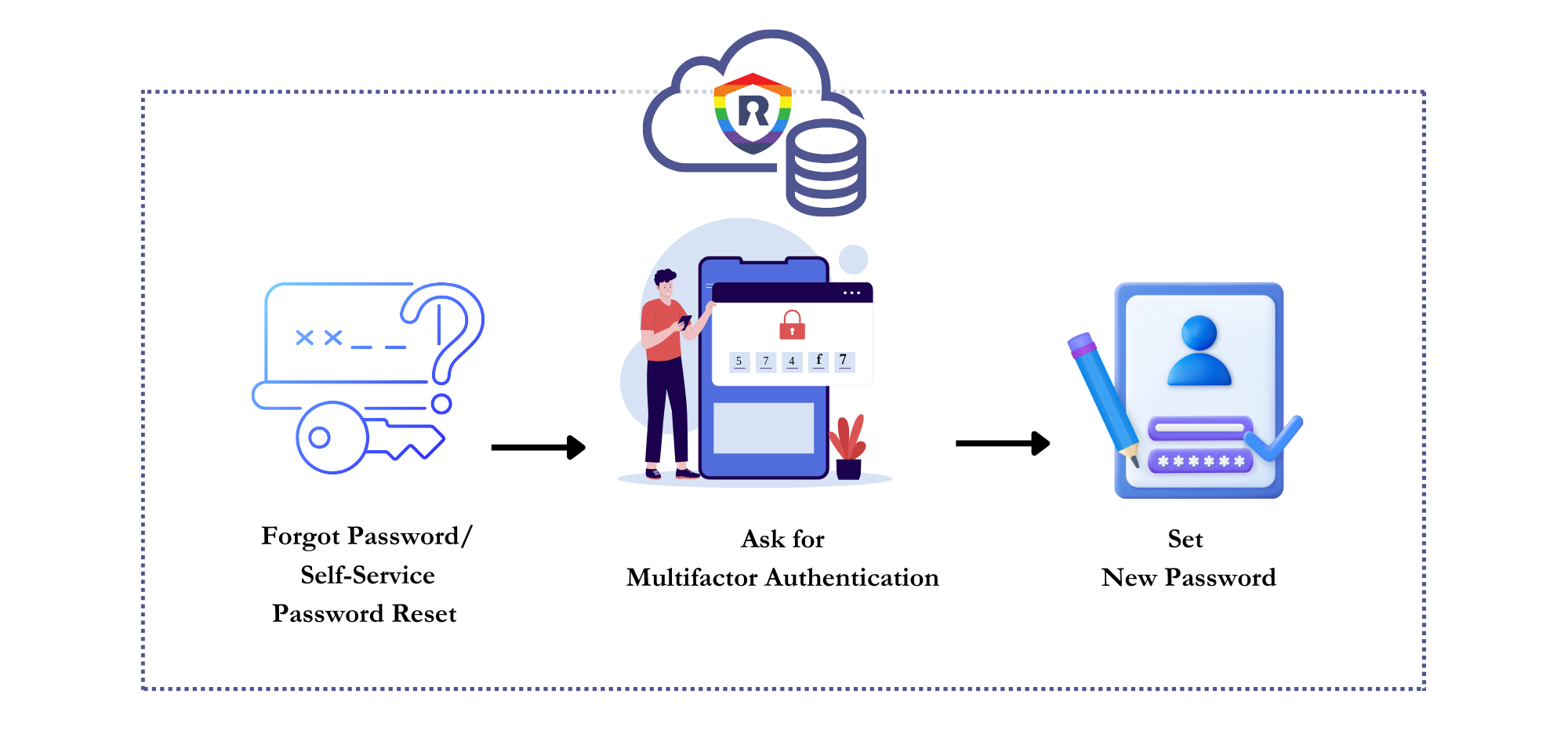
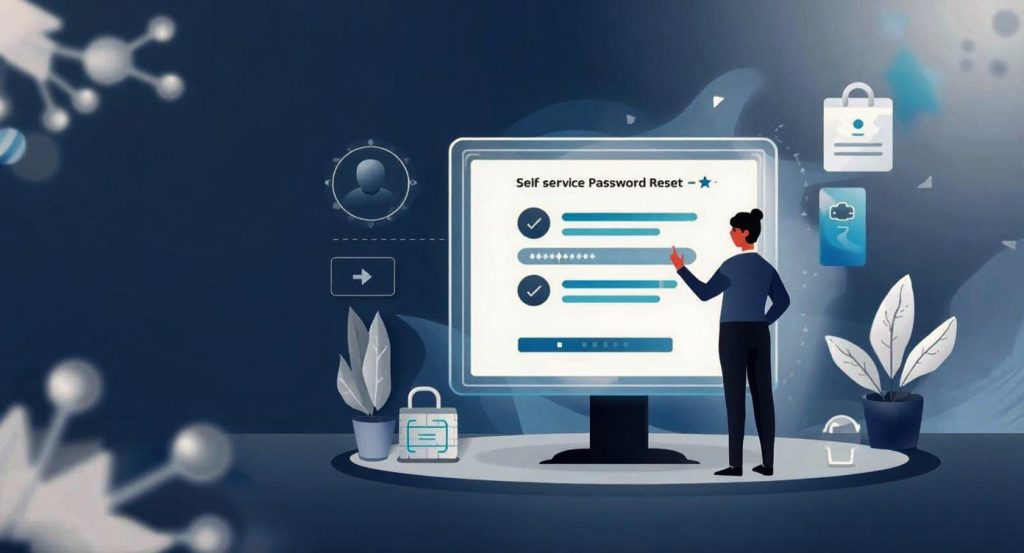
Self-Service Secure Key Reset (SSKR) software enables businesses to accomplish password resets for user accounts without needing to hire IT or security professionals. The Self-Service Key Reset (SSKR) makes it easier for individuals to request and receive new passwords for their RainbowSecure accounts. Users can reset their Rainbowsecure account passwords using any browser or mobile device.

When the user resets their secure key, Self-Service Secure key Reset (SSKR) uses Adaptive MFA authentication or Team manager-assisted reset option. These options give our key reset solution consistent with a high level of security.

Reset your Secure Key Securely Through SSKR

Mobile Devices

Second-factor authentication (MFA) techniques like OTP via SMS/email, and Team manager assisted reset via SMS/Email allows users to reset password.

Web browser

Allow users to securely self-reset their passwords in their directory, from any web browser before or after they login to their dashboard.

 

Shape Image

Why we need Self-Service Secure key Reset Option?

Self-Service Password Reset with Rainbow Secure

IT teams often must put their priority work on hold to solve the tickets related to password reset or forgotten passwords for Email, CRM, Cloud Storage, Business Apps, AI Agent or any other account. These passwords reset tickets consume the time and money of the company. If these issues remain unresolved due to some reason, it can become more expensive and the password reset process can become more lengthy and difficult as the users will not be able to authenticate themselves. Ultimately, all of these failed authentication scenarios have a negative impact on the customer’s experience and damage their relationship with enterprises.

RainbowSecure Self-Service secure Key Reset (SSKR) solution analyzes user risk factors and ensures that high-risk users face more challenging authentication steps and low-risk users have an easier time while resetting their Secure Keys. Adaptive Authentication starts with creating a profile for each user account, which includes information about the user’s geographical location, registered devices, role, and more. Each time a person tries to authenticate, the request is evaluated and assigned a risk score. Depending on the risk score, that person may be required to provide additional authentication factors to prove the identity. For example, if a person tries to access applications via an unregistered device, they may be prompted to register it or asked to do MFA. If the person logs in from a geographical location other than their office, they may have to answer a security question, do MFA, or get assistance from their Team manager in the form of a temporary passcode or in-person login assistance by the Team manager. Businesses can customize their Secure Key Reset process as per their organization’s policy and team structure. Adaptive MFA determines the response to requests with different risk scores. In any given scenario, the user may be allowed to authenticate, may be prevented from accessing, or may even be challenged to prove his or her identity on the phone, on video, or in person.

RainbowSecure Self-Service Secure Key Reset (SSPR) Features

Secure Key Management

No more PASSWORD stress

Users are no more burdened to select and use long passwords with special characters and restricted words. Users can now use graphical options like font color, background color and font style options to personalize and strengthen their login secrets that can be as simple as their favorite word, pin or even their name.

Human friendly secrets policy

Enforce fine-grained login secret policies that suits your user audience and use case.

SECURE KEY expiration notification

Remind users of their upcoming password expiration date via email, SMS, or department security summary alerts.

Easily change SECURE KEY

Allow users to reset and change their domain Secure Keys easily in their present directories on their own.

Recover Secret Key / Username

Users can recover their accounts and reset secure keys by answering challenge questions, doing MFA, getting assistance from their Team managers or having a live video session with help desk.

Why choose Self Service Secure Key Reset (SSPR) tool?

Enhanced user experience

Give users the responsibility of managing their own passwords and profile information with Self Service Password Reset (SSPR). It will enhance their role within the organization while also reducing help desk workload.

Improved password security

Passwords with graphical layers of color and styles are exponentially strong. Friendly password options with graphical layers ensure that only authentic and authorized users get access to sensitive data and that accounts stay protected from phishing, brute-force, keylogger malware, dictionary, and other attacks.

Lowers IT costs

Reduced support calls for self-password resets, proper user lifecycle management, and the elimination of storing various records in various directories and environments all contribute to a reduction in the organization's overall security management cost.

Increased productivity & flexibility

The company's network remains secure even if employees access business accounts, apps and resources from virtually anywhere with the help of Self Service Password Reset (SSPR).

Secure MFA

Self-Service Password Reset (SSPR) utilizes advanced multi-factor authentication (MFA) techniques like RainbowSecure password and OTPs, Team manager code, etc. to verify user identity.

Simplified management & tracking

Give administrators a comprehensive overview of their user's password status. The SSPR simplifies both management and collecting legal audit data.

Shape Image

Ready To Get Started? We're Here To Help

Let’s Talk

Copyright @2025 Rainbow Secure. All Rights Reserved.