Request a demo →
Security Access Policies

Turn access requirements into enforceable policy.

Configure how users authenticate, where they can connect, how sessions behave, how identity records synchronize and how Rainbow Secure responds to suspicious activity.

Security Access Policy control center
Login Location Credentials Session IAM Sync Threat Response
Login methods Location access Password and OTP Account lockout Session timeout IAM synchronization Threat response
Central policy control

Define security behavior before risk appears.

Security access policies provide consistent rules for authentication, network and country access, credential standards, session handling, identity synchronization and automated response.

Administrators can tune policies to the organization’s environment rather than applying one rigid setting to every use case.

Policy library

Control the complete access journey.

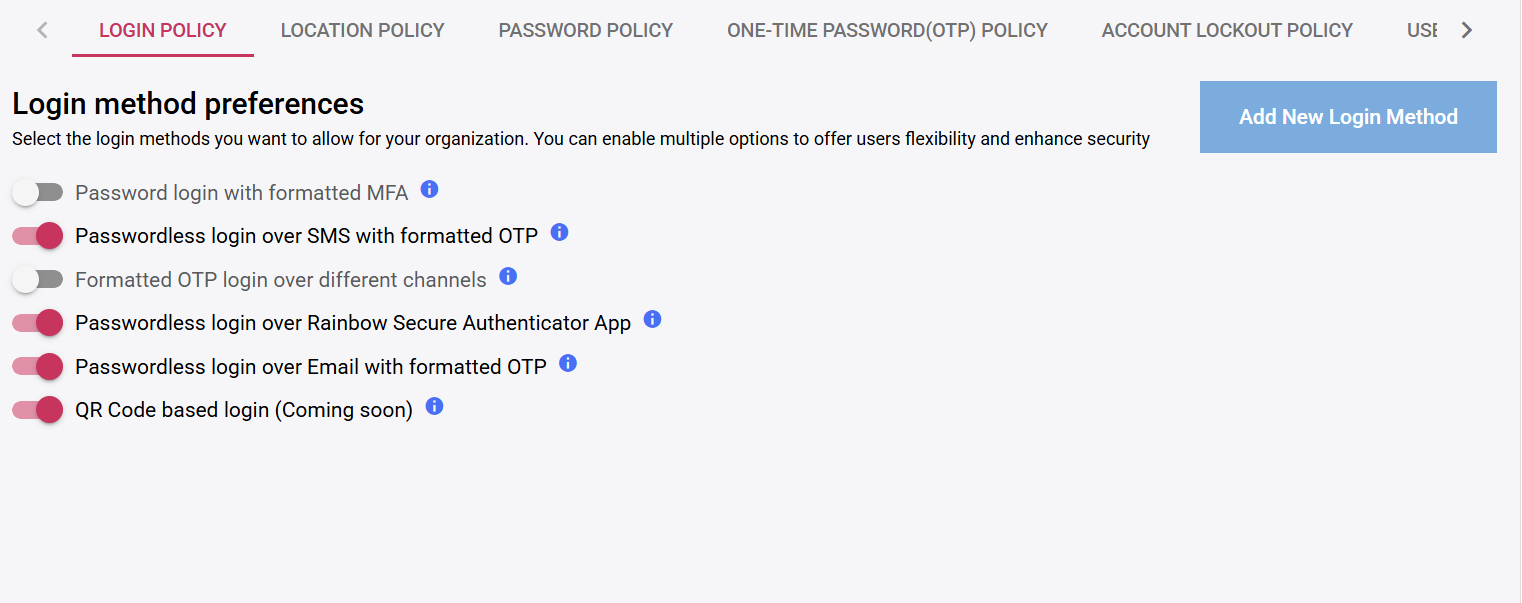
Login policy shown in the Rainbow Secure dashboard

Login policy

Choose approved login methods, including formatted MFA and passwordless options.

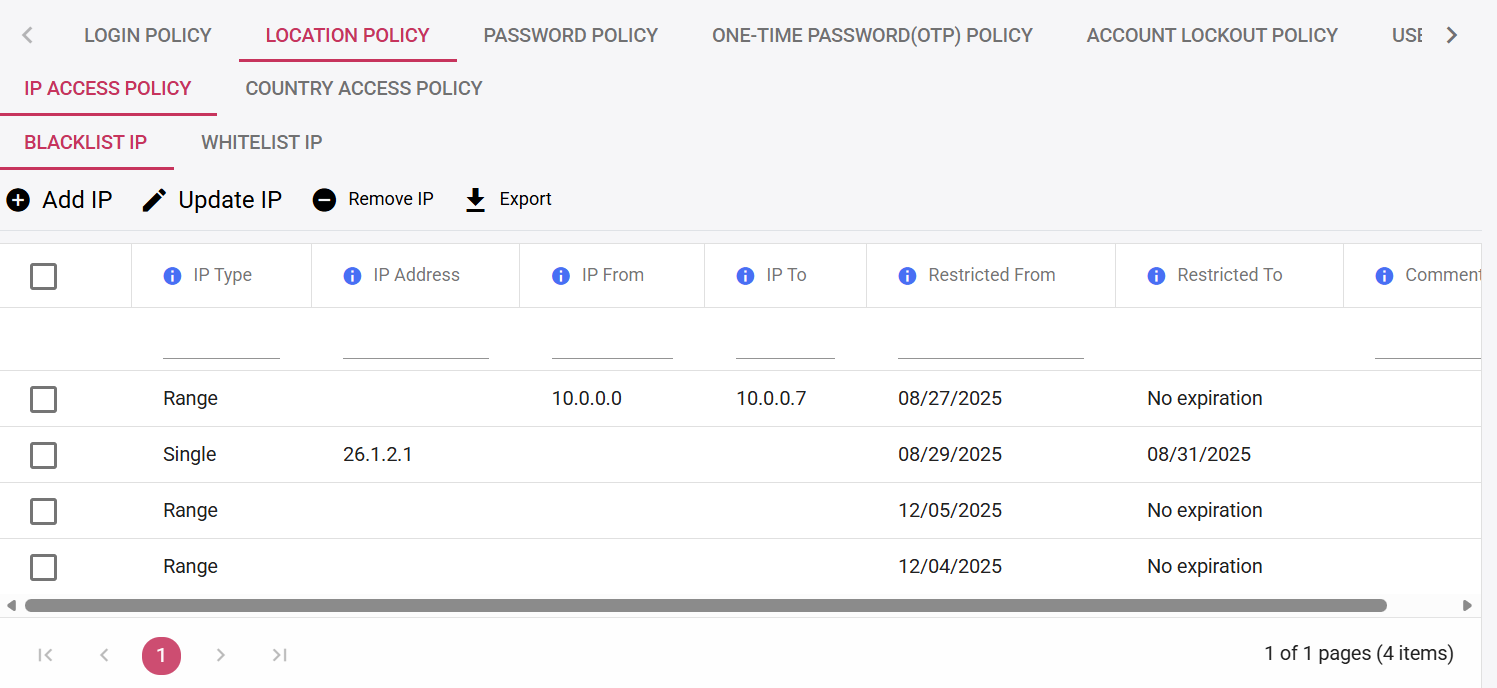
Location policy shown in the Rainbow Secure dashboard

Location policy

Apply blacklist, whitelist, IP-range and allowed-country controls.
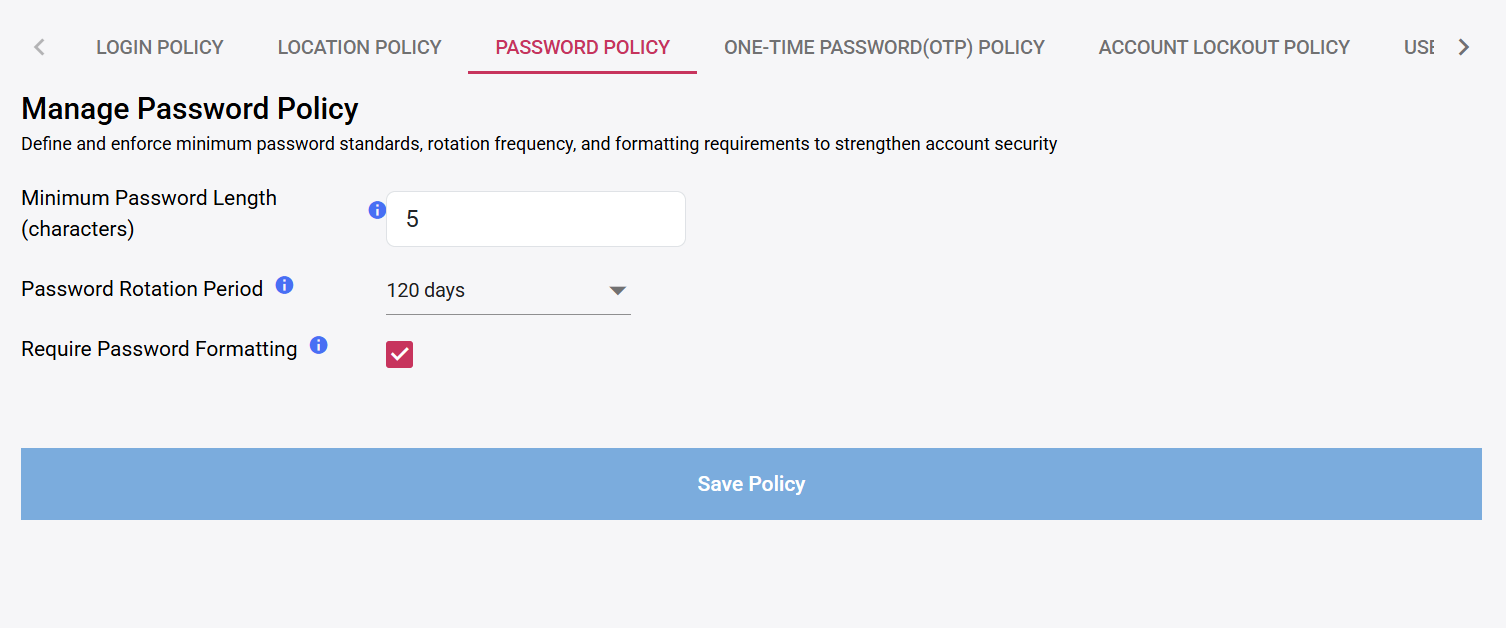
Password policy shown in the Rainbow Secure dashboard

Password policy

Set length, rotation and formatting requirements.
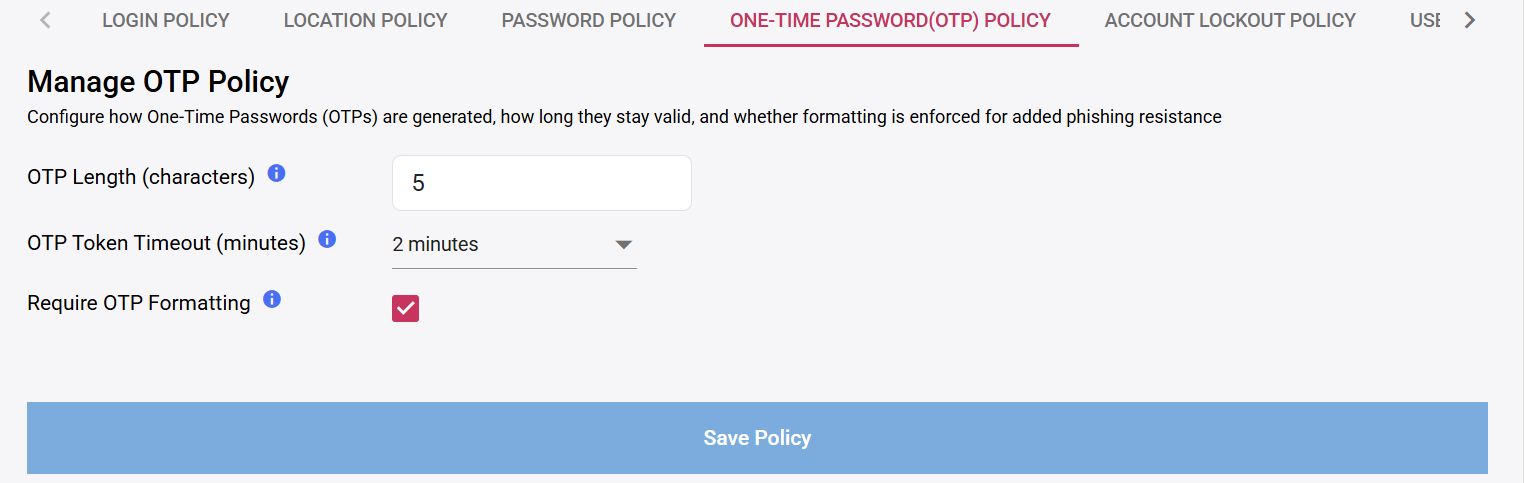
OTP policy shown in the Rainbow Secure dashboard

OTP policy

Set OTP length, validity period and formatting enforcement.
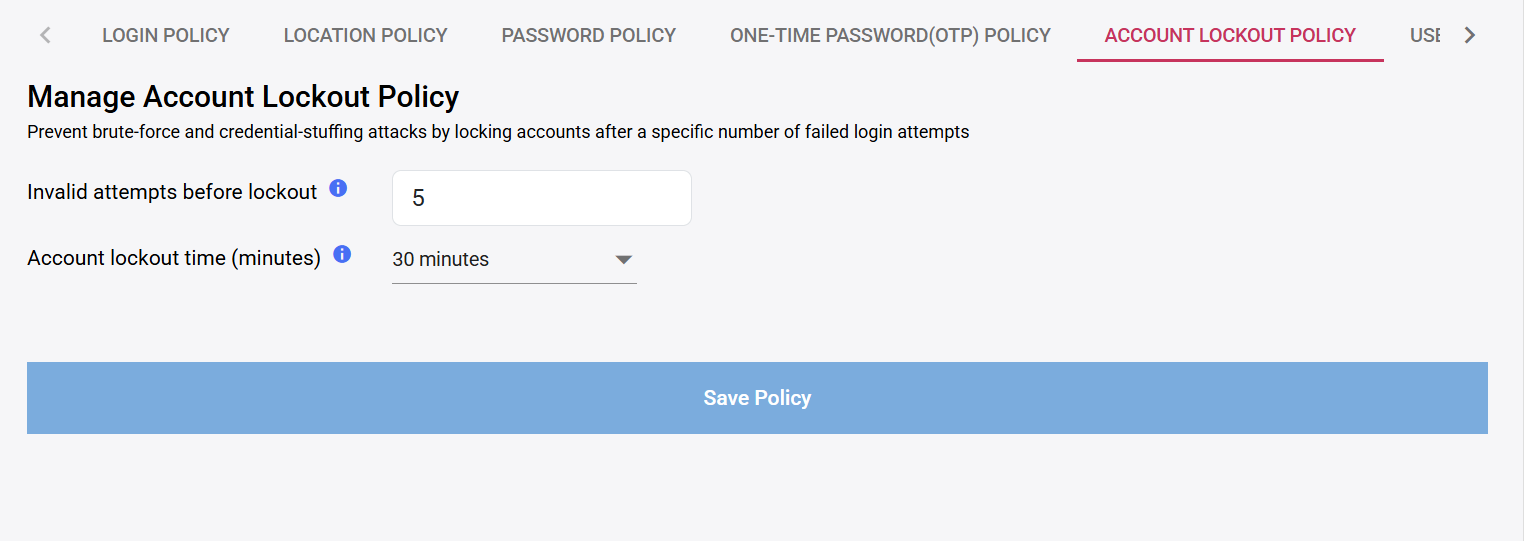
Account lockout shown in the Rainbow Secure dashboard

Account lockout

Control failed-attempt thresholds and lockout duration.
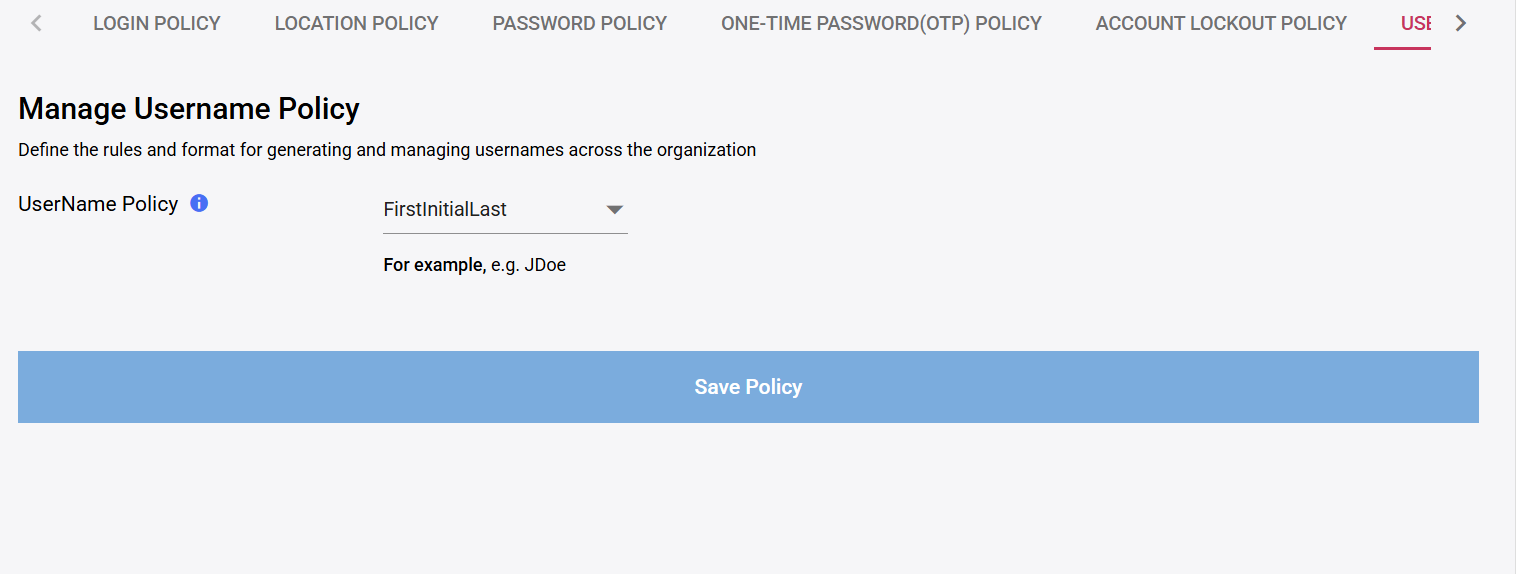
Username policy shown in the Rainbow Secure dashboard

Username policy

Standardize how usernames are generated across the organization.
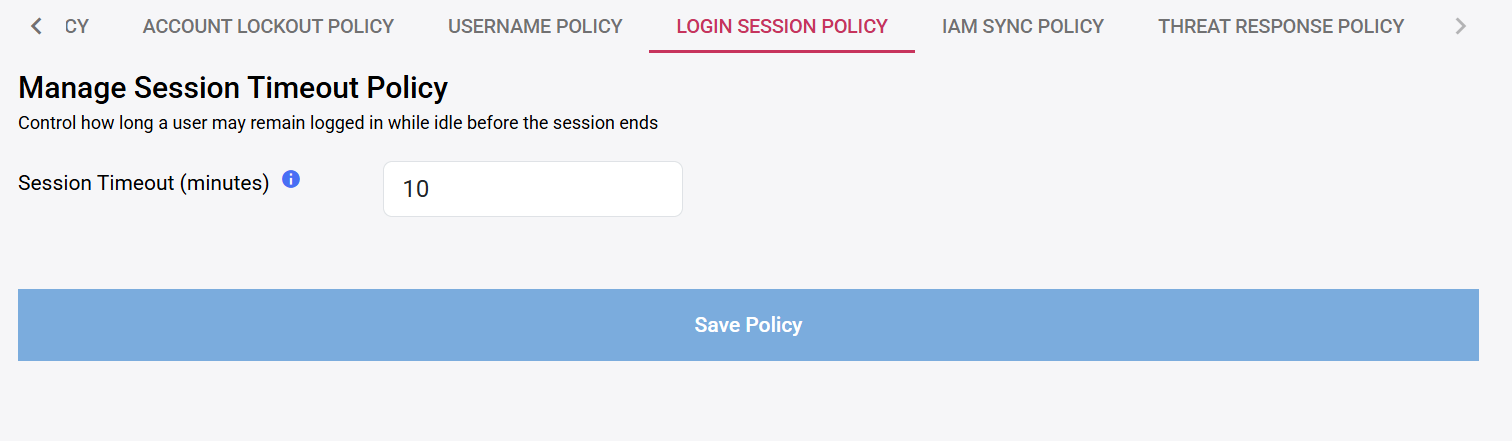
Login session policy shown in the Rainbow Secure dashboard

Login session policy

Limit idle session time before access ends.
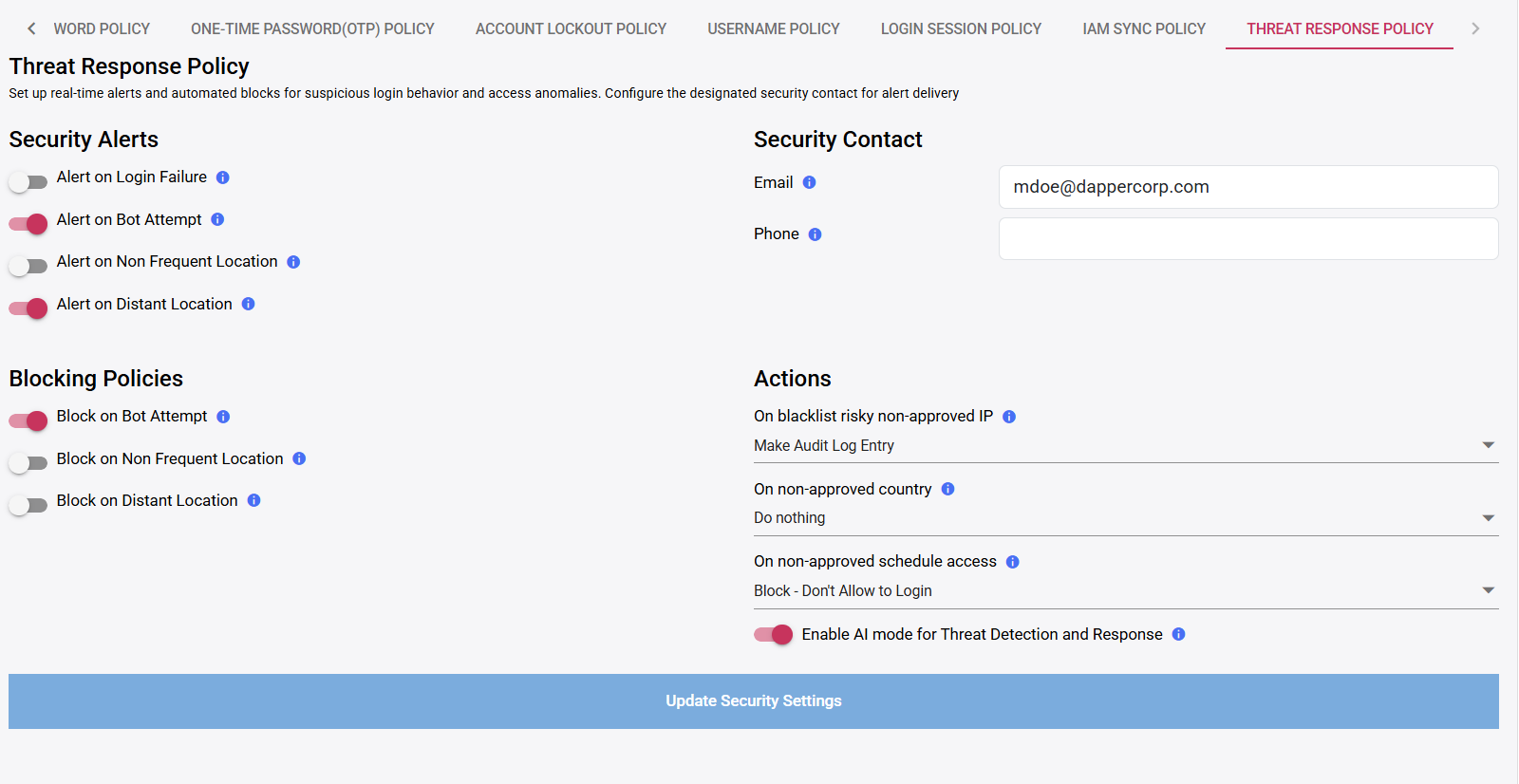
Threat response shown in the Rainbow Secure dashboard

Threat response

Configure alerts, blocking actions and AI-assisted detection.

Location and network policies

Control where access is allowed.

Define trusted and restricted network ranges, apply effective dates, and restrict access to approved countries.
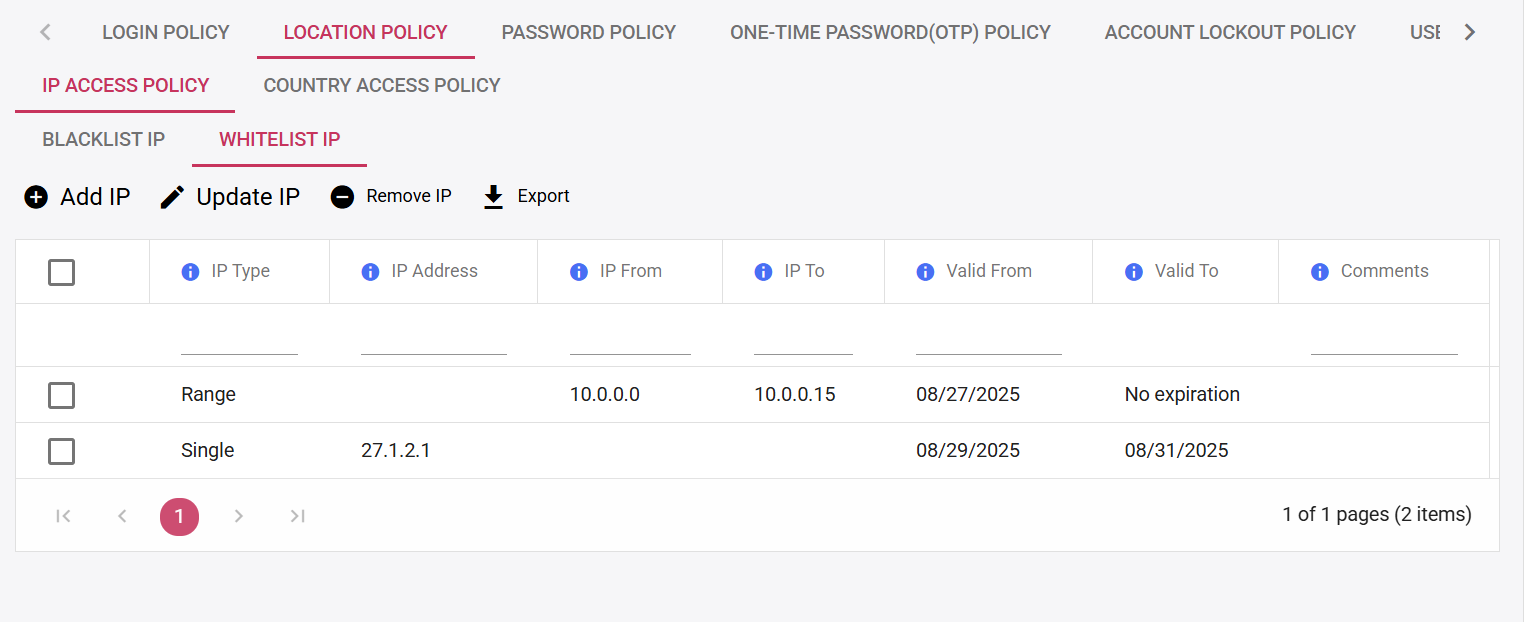
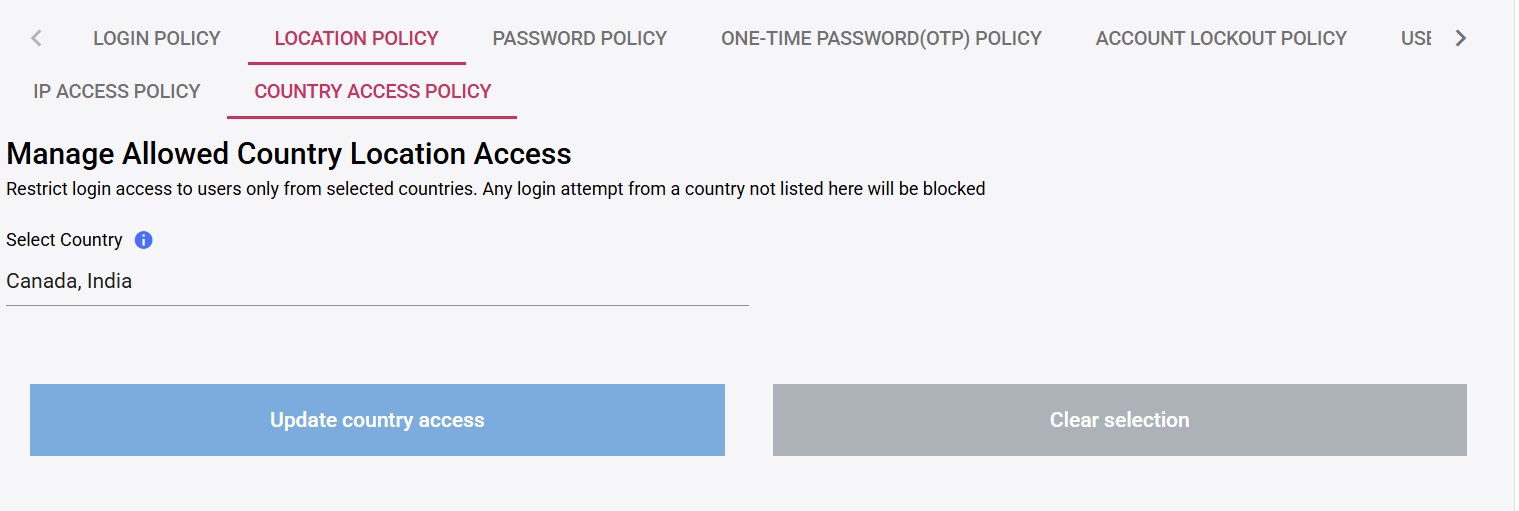
Blacklist IPBlock specified addresses or ranges. Whitelist IPAllow specified addresses or ranges. Country accessAllow access only from selected countries.
Rainbow Secure IP whitelist policy dashboard
IP whitelist policy
Rainbow Secure allowed country access policy dashboard
Country access policy
IAM Sync Policies

Control when identity changes move between systems.

Use independent upstream and downstream schedules based on how quickly each environment needs updates.

UPSTREAM SOURCES Okta Entra Google Other IDPs
Profile records and updates Upstream sync
Rainbow Secure Identity record Created · Updated · Deactivated
Downstream sync User creation and deactivation
DOWNSTREAM PLATFORMS AWS Oracle Active Directory Okta Other platforms
Upstream frequency How often sourced records and profile updates are applied to Rainbow Secure.
5 min 10 min 30 min 60 min 120 min Daily
Downstream frequency How often Rainbow Secure user creation or deactivation changes reach connected platforms.
5 min 10 min 30 min 60 min 120 min Daily

Upstream and downstream frequencies are configurable independently.

Rainbow Secure threat response policy with security alerts, blocking policies and response actions REAL THREAT RESPONSE POLICY
Threat response policy

Turn suspicious access into a defined action.

Alert security contacts, block bot attempts, respond to unusual locations and choose actions for risky IP, country or schedule conditions.

  • Security alerts for configured events
  • Automated blocking options
  • Defined response actions
  • AI-assisted threat detection mode
Policy outcomes

Consistent controls. Clearer evidence.

Standardized authentication Controlled network access Stronger credential rules Reduced brute-force exposure Predictable identity synchronization Defined threat response Reviewable administrative settings Improved audit readiness
Configure policy around your environment

See Rainbow Secure Security Access Policies.

Map authentication, location, session, synchronization and response requirements into practical controls.

Request a Demo → Explore IAM Overview