Join
Create or synchronize the user, confirm their business status, and assign the access needed for the role.
 Request a demo →
Manage users from onboarding through role changes and offboarding. Rainbow Secure brings identity status, group membership, roles and application access into one controlled journey.
Users change jobs, departments, projects and employment status. When identity work is scattered across tickets and separate application consoles, access can arrive late—or remain longer than needed.
Rainbow Secure gives administrators one place to view the user, make lifecycle changes and keep access decisions easier to review.
Three clear stages keep identity and access aligned without making administration complicated.
Create or synchronize the user, confirm their business status, and assign the access needed for the role.
Update department, manager, groups, roles and applications as responsibilities change.
Disable the Rainbow Secure identity, disable access in connected applications, or apply both actions when the relationship ends.
Search the user directory, open a profile and take the appropriate lifecycle action. Administrators can add, update, activate, disable, download or apply bulk operations from the management view.

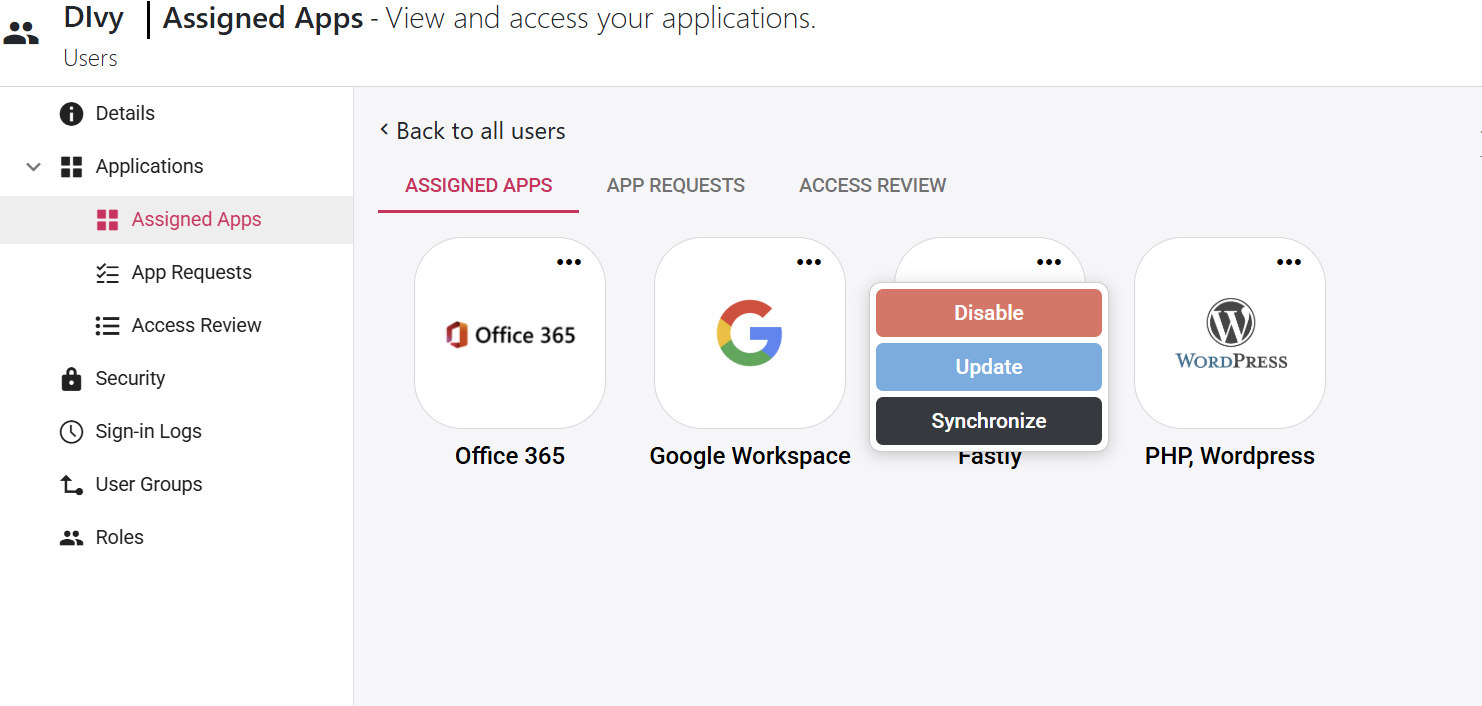
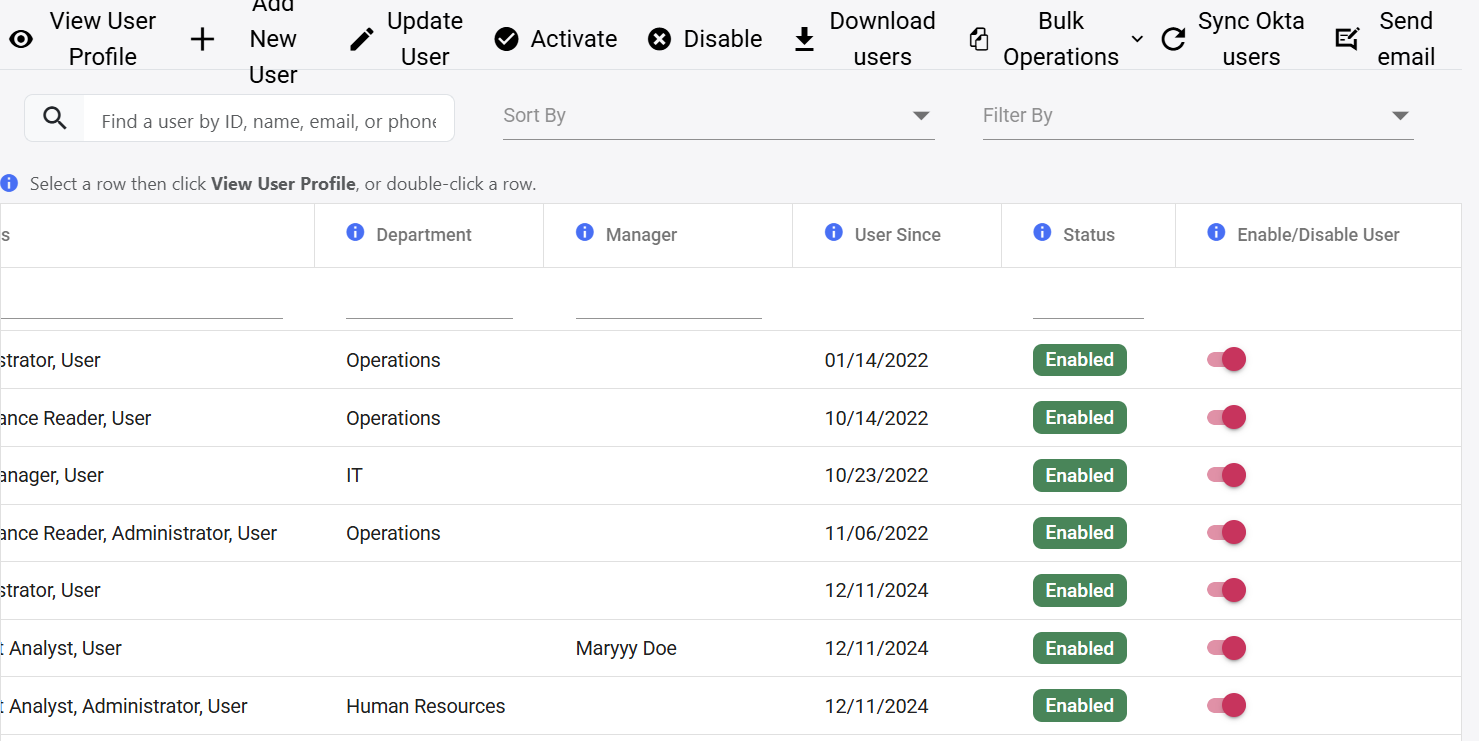
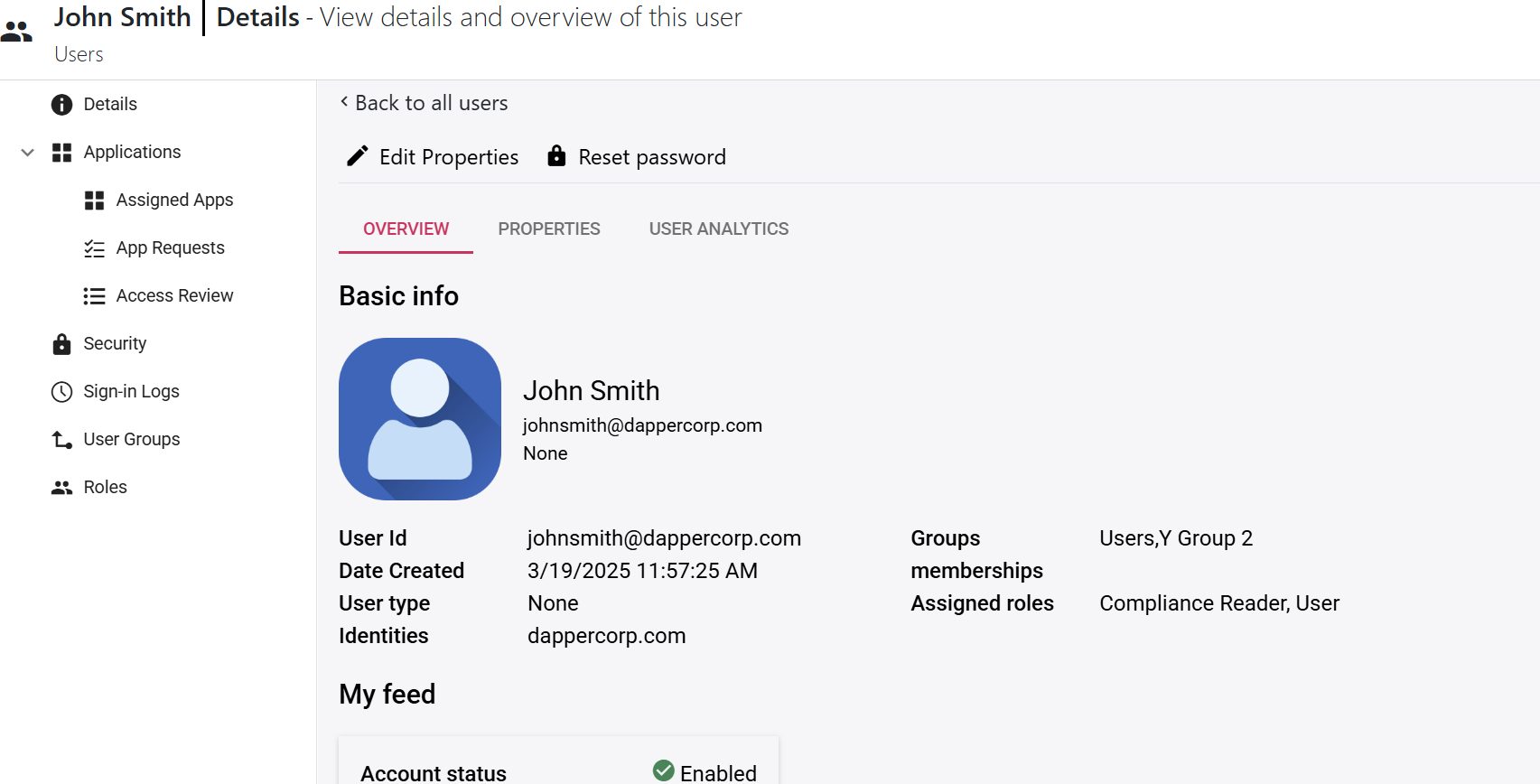 COMPLETE IDENTITY VIEW
Review profile properties, account status, assigned applications, access requests, security activity, sign-in logs, group memberships and roles from the user’s record.
Administrators can choose the scope that matches the business situation instead of treating every access change the same.
From the All Users screen, disable the user’s Rainbow Secure identity to prevent the account from using Rainbow Secure–controlled access.
Best for: leave, suspension, investigation or complete offboardingRemove or disable access to a connected application while keeping the user’s Rainbow Secure identity and other approved access active.
Best for: role changes, project completion or one application no longer being required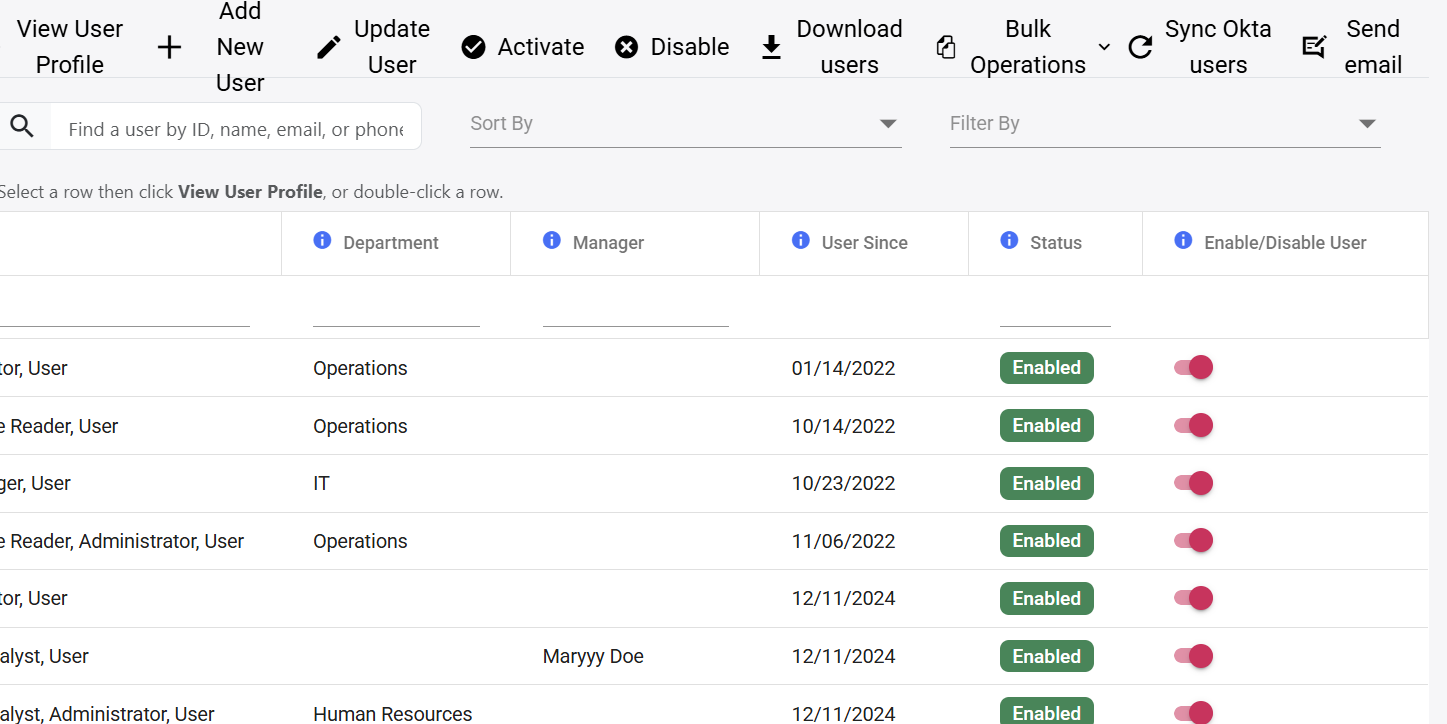 DISABLE FROM ALL USERS
Create the identity and place the user into the appropriate department, groups and roles.
Provide approved application access based on the user’s responsibilities.
Adjust memberships and access when a user changes teams, locations or projects.
Confirm that current roles and application assignments remain appropriate.
Disable the Rainbow Secure identity temporarily while preserving the user record.
Disable the identity and remove access from connected applications when the relationship ends.
Keep user status, memberships, assigned roles and lifecycle changes visible so security and compliance teams can review how access was managed.
Walk through onboarding, access changes and offboarding using your organization’s identity journey.