Primary credential
Verify the configured password, OTP or other primary credential.
 Request a demo →
Book a Demo
Request a demo →
Book a Demo
Verify the primary credential and its dimensional choices, then verify another factor. For sensitive access, require additional verification using the dimensional instruction received with that factor.

Passwords and other primary credentials can be phished, reused or stolen. Two-Step Authentication adds a separate checkpoint that must be completed before the session begins.
Step 1 establishes the identity claim. Step 2 asks for additional proof.
Verify the configured password, OTP or other primary credential.
Verify the dimensional choices associated with the primary credential.
Verify an OTP, authenticator app or another configured factor.
Complete the dimensional instruction received with the additional factor.
Rainbow Secure can combine password, OTP and compatible authenticator-app verification in multiple ways.
Apply Rainbow Secure dimensional verification to both the password and the OTP.
Combine a multidimensional password with Microsoft Authenticator, Google Authenticator, Okta Verify or another compatible authenticator app.
Combine a multidimensional OTP with Microsoft Authenticator, Google Authenticator, Okta Verify or another compatible authenticator app.
Use Rainbow Secure dimensional verification with both the password and the Rainbow Secure app OTP.
Step 3 verifies another factor. Turn sensitive access on or off to see whether Step 4 also requires the received dimensional instruction.
TWO-STEP GATEWAY
Watch two practical Microsoft Office login flows using Rainbow Secure with Microsoft Authenticator.
See how Rainbow Secure adds SMS OTP to an Office login protected with Microsoft Authenticator.
Watch on YouTube →See a two-step Office login using Rainbow Secure rSecureKey together with Microsoft Authenticator.
Watch on YouTube →Deliver the time-limited OTP and dimensional instruction to the user’s registered email.
Send the OTP and instruction to the user’s registered phone number.
Present the OTP and required instruction through the configured authenticator experience.
Verify the user’s text and dimensional choices—including style and where choices are applied.
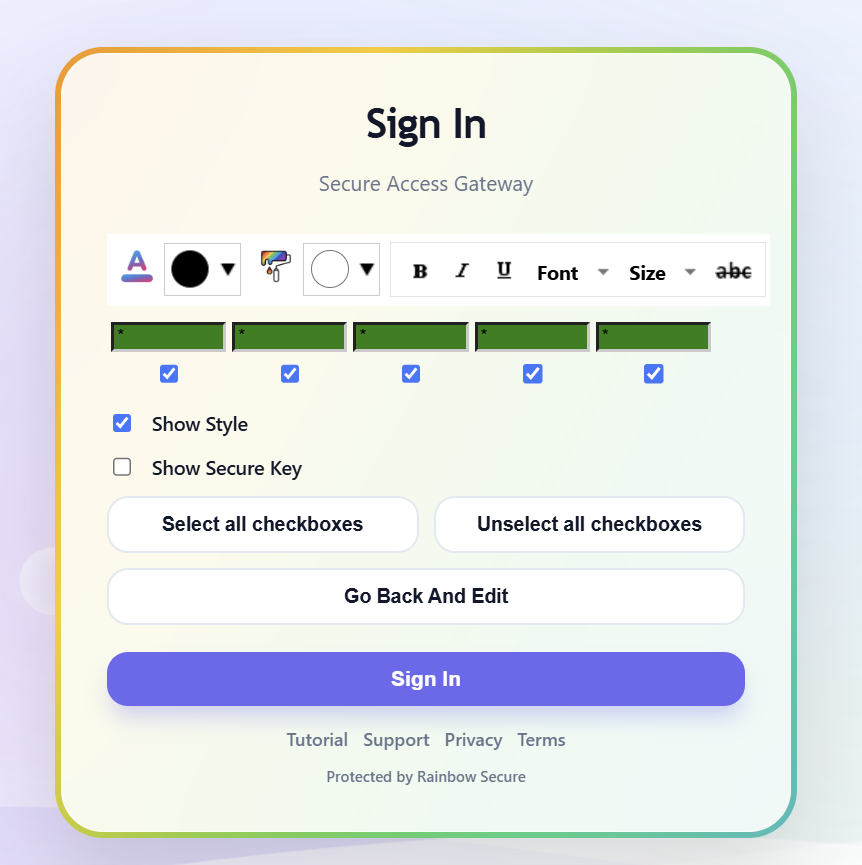
Apply Two-Step Authentication broadly or require it for specific applications, groups, access conditions or sensitive actions.
A correct password should not automatically complete the access journey. Two-Step Authentication adds a separate verification checkpoint before access is granted.
Explore how Rainbow Secure can apply separate verification across your users, applications and access policies.